☕ Coffee Sidekick
From The Coffee Culture Newsletter
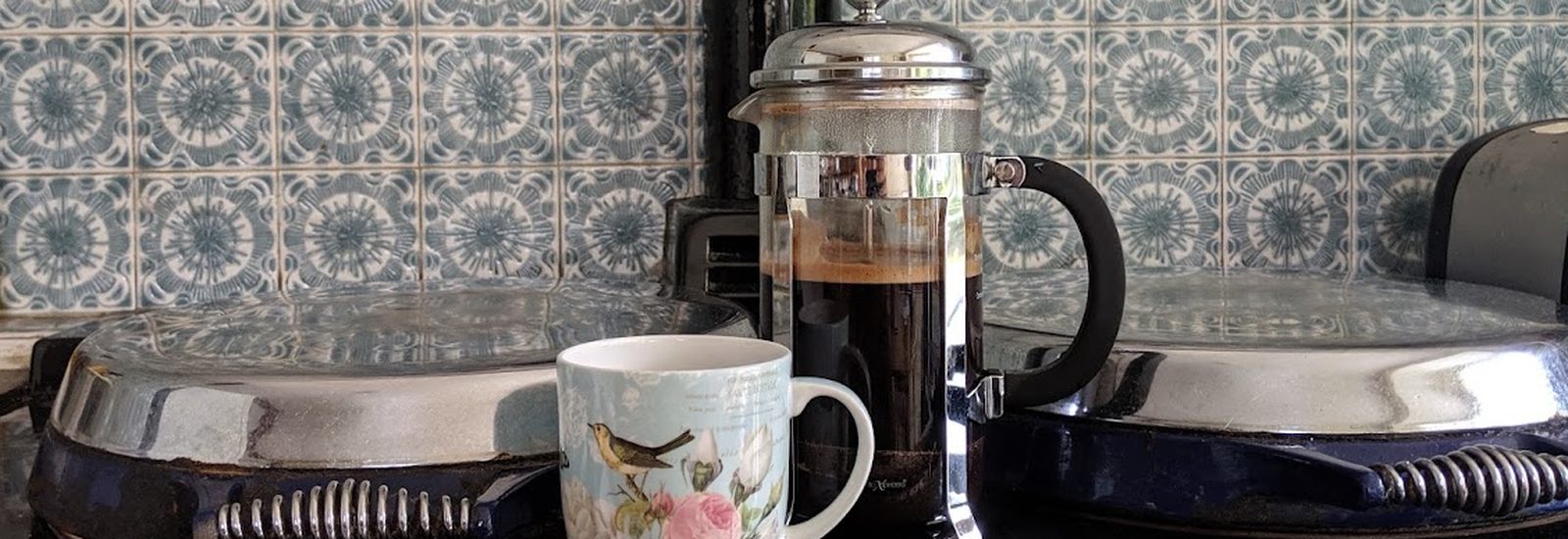
How are you brewing?
What's off with the cup?
Get the best from your
Keep Coffee Sidekick on your phone
On iPhone, tap the Share button and choose “Add to Home Screen.” On Android, open your browser's menu and choose the install option (it may say “Install app,” “Install and create shortcut,” or “Add to Home Screen”). The app will sit on your home screen, ready the next time you make coffee.
 On your computer? Scan this with your phone to open Coffee Sidekick there, then add it to your home screen. You can also install it on this computer using the install icon in your browser's address bar.
One more thing
Why it's happening
Try this
Keep Coffee Sidekick on your phone
On iPhone, tap the Share button and choose “Add to Home Screen.” On Android, open your browser's menu and choose the install option (it may say “Install app,” “Install and create shortcut,” or “Add to Home Screen”). The app will sit on your home screen, ready the next time you make coffee.
Not yet a subscriber?
Join the Coffee Culture Newsletter ›
Whatever our origins, we can all come together over coffee.